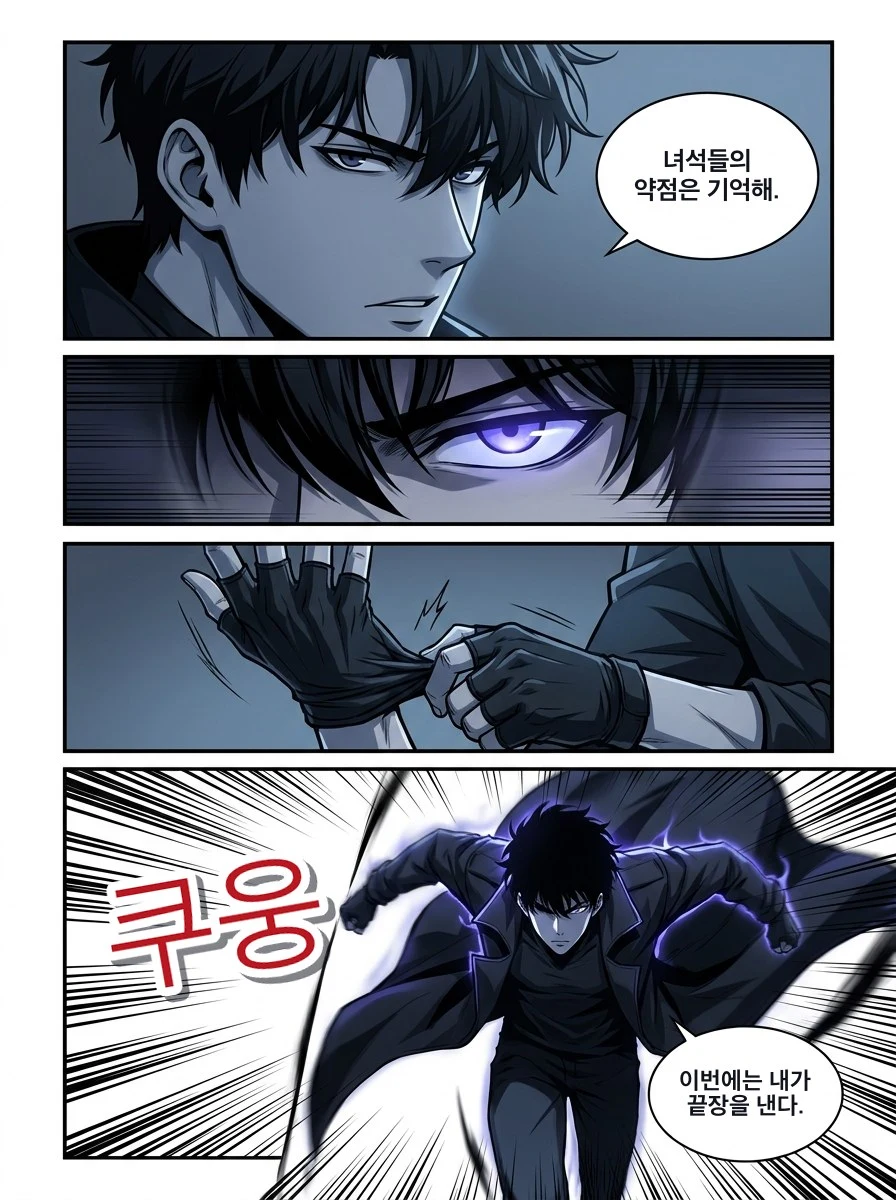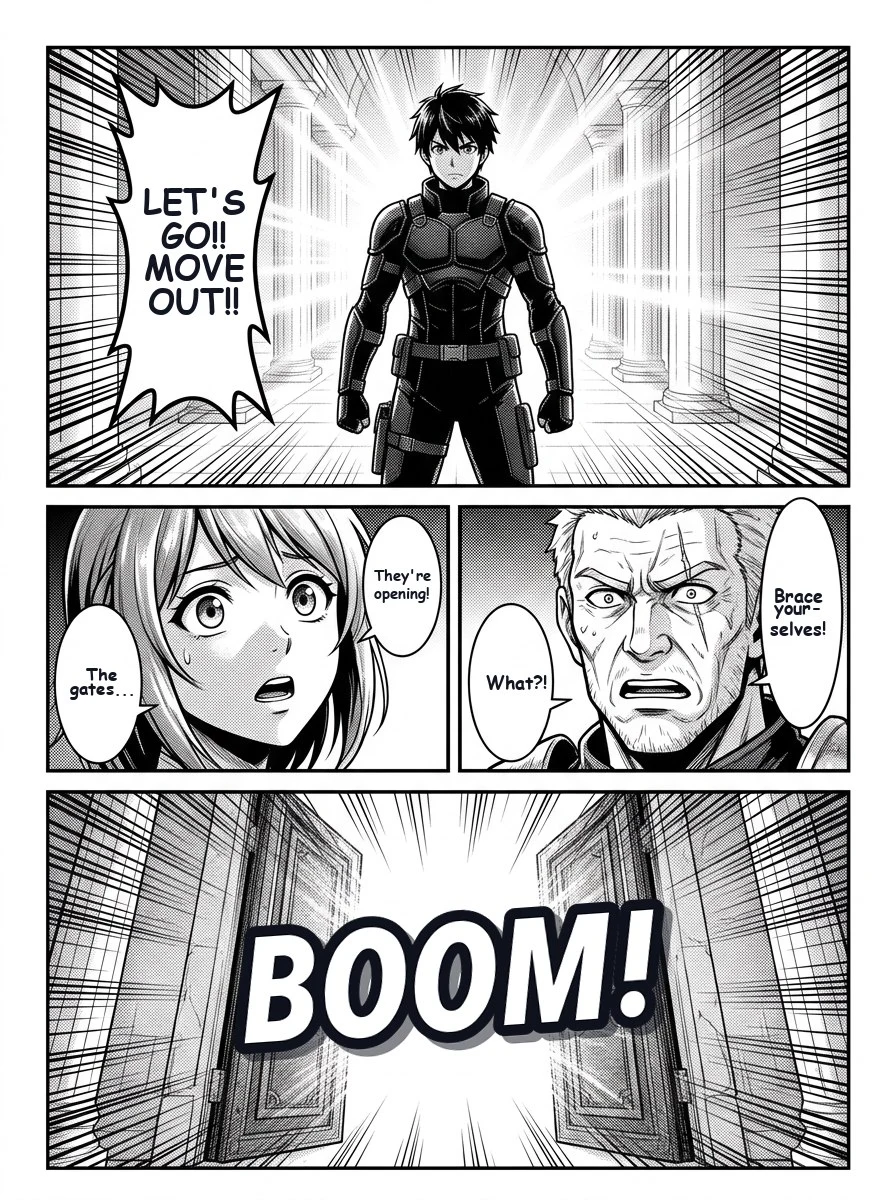
Start with where you read
A comic page is usually an image. A browser’s ordinary text translation may leave speech bubbles untouched. Toonra combines text recognition with translated overlays, so the dialogue can be read in the artwork.
Use the in-app browser for websites, the Safari extension for your existing Safari session, or the library for files you own. The website demo is a prepared sample, not a live translation service.
Prepare a readable page
Choose a page you are allowed to access and make sure the image has finished loading. Small lettering, decorative fonts and low-resolution scans can reduce recognition quality. Cloud AI translation requires a working internet connection.
These instructions describe the current development app. A public download has not yet been announced.
Translate with the in-app browser
- Open a comic page in Toonra’s browser. Sign in to the publisher’s website if your authorized access requires it.
- Choose the original language and your reading language. If automatic detection misidentifies a page, select its source language explicitly.
- Review the cloud translation consent when prompted, then use the translation control on the page.
- Read the translated overlay. Switch to the original to check names, signs or dialogue that seems unclear.
- If you want newly encountered pages to translate as you browse, enable auto-translation for that site.
Check meaning, not just appearance
A clean-looking bubble can still contain a translation mistake. Compare the original when a sentence changes a character’s name, intent or relationship. A series glossary can help cloud translation keep recurring names consistent.
Toonra is a reading aid, not an official licensed translation. It does not unlock subscriptions or remove a publisher’s access restrictions.
When a page does not translate
First confirm that the original image is visible and loaded. Recheck the language pair and your connection. Some viewers use protected image URLs or canvas rendering that the translation pipeline cannot read.
Try another accessible page to separate a website issue from a connection or language issue. If it persists, contact support with the device, app version and the steps you followed; avoid sending account credentials or private comic files.