Work with the long-strip format
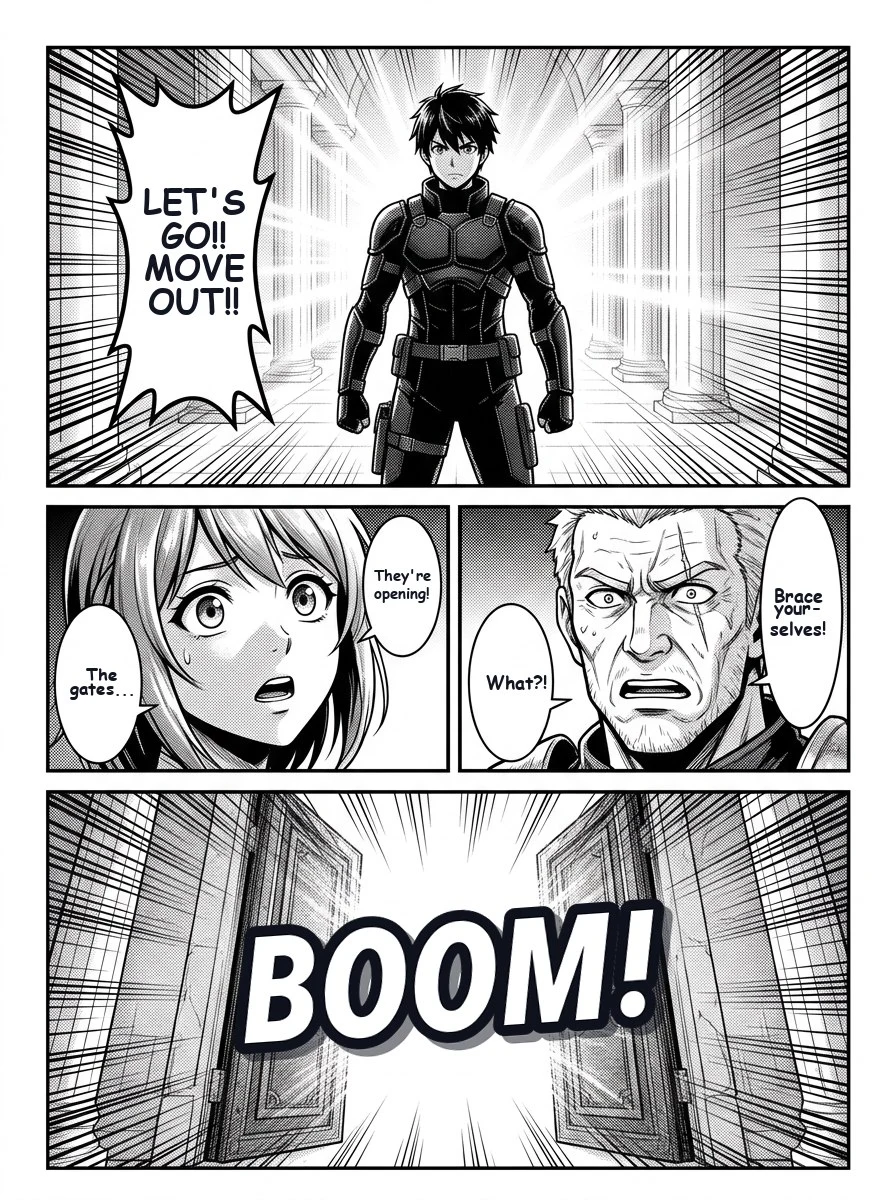
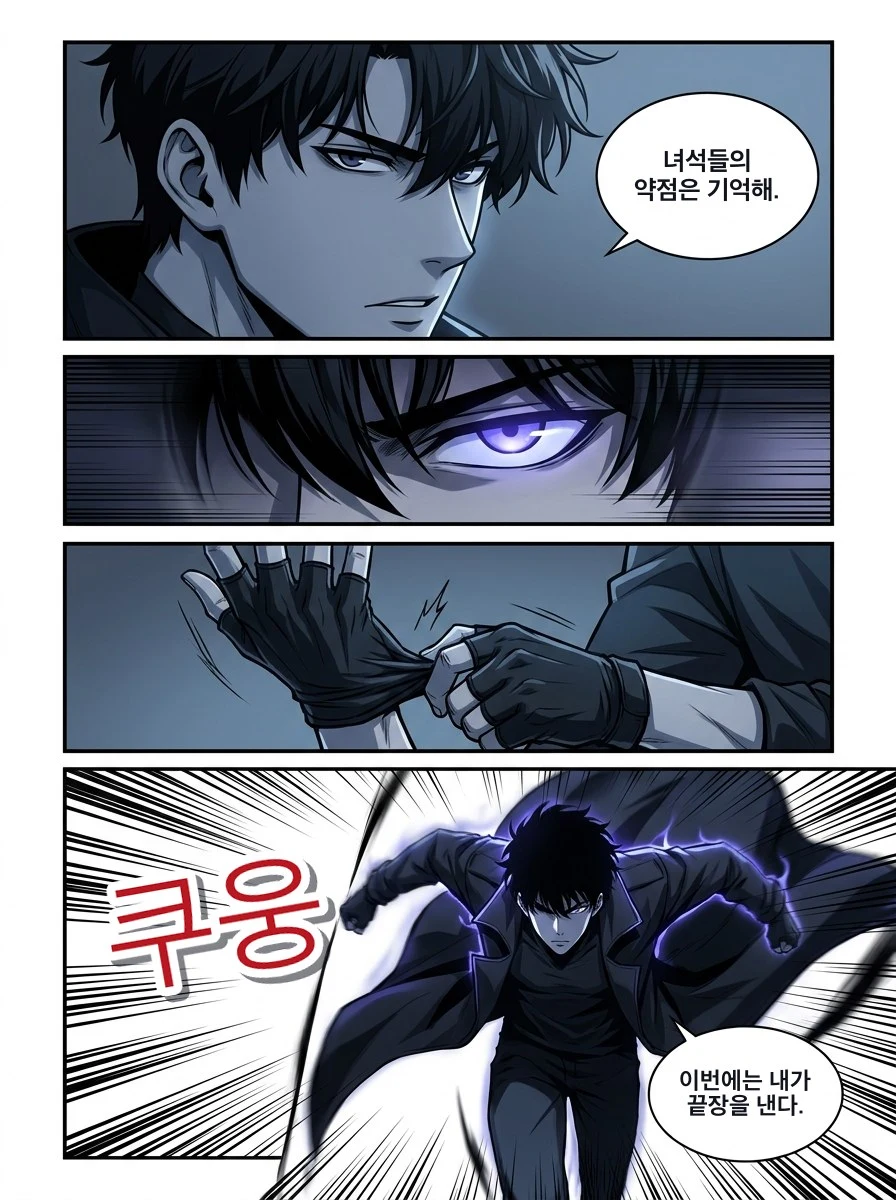
Manhwa and webtoons often arrange panels in a long vertical strip. Websites may load the next images only as you scroll, so a newly opened chapter may not contain every page yet.
Start with an authorized Korean page in the built-in browser or Safari. Give the visible images time to load before requesting translation.
Set up a reading session
- Choose Korean as the source language and your preferred language as the target.
- Translate the first visible page and inspect a few speech bubbles before continuing.
- Enable auto-translation for this website if you want to keep reading without triggering each new page manually.
- Scroll at a pace that lets images load. Check the original if a bubble is missing or the translation seems out of context.
- For an imported long-strip comic, choose Scroll in the reader’s settings instead of Page or Spread.
Keep names and honorifics understandable
Names can be romanized in several valid ways. Pick the version you prefer, then add the original term and its locked translation to the series glossary. Cloud translation receives these terms as context.
Honorifics and relationship language need context. A glossary helps with recurring terms, but it does not guarantee that every joke, relationship or tone is translated correctly.
Separate dialogue from sound effects
Handwritten sound effects, curved lettering and text embedded in artwork can be harder to recognize than clear speech bubbles. Use the original view to understand how these words relate to the art.
Do not assume missing text has no meaning. If an image is too small, use a better-quality source that you are permitted to access.
Know what is saved
A web reading session is not a promise that a whole chapter has been downloaded for offline use. Imported files and retained translation caches have different storage behavior.
For a trip without internet, check the exact local pages you intend to read before leaving. New cloud AI translations still need a connection.