
YOUR PERSONAL LIBRARY
Your comics. Your reading ritual.
Bring the files you own into a personal library. Read page by page, scroll through a long strip, or settle into a two-page spread. Translate when you need a little help with the dialogue.
Read the setup guideA preview of Toonra for iOS
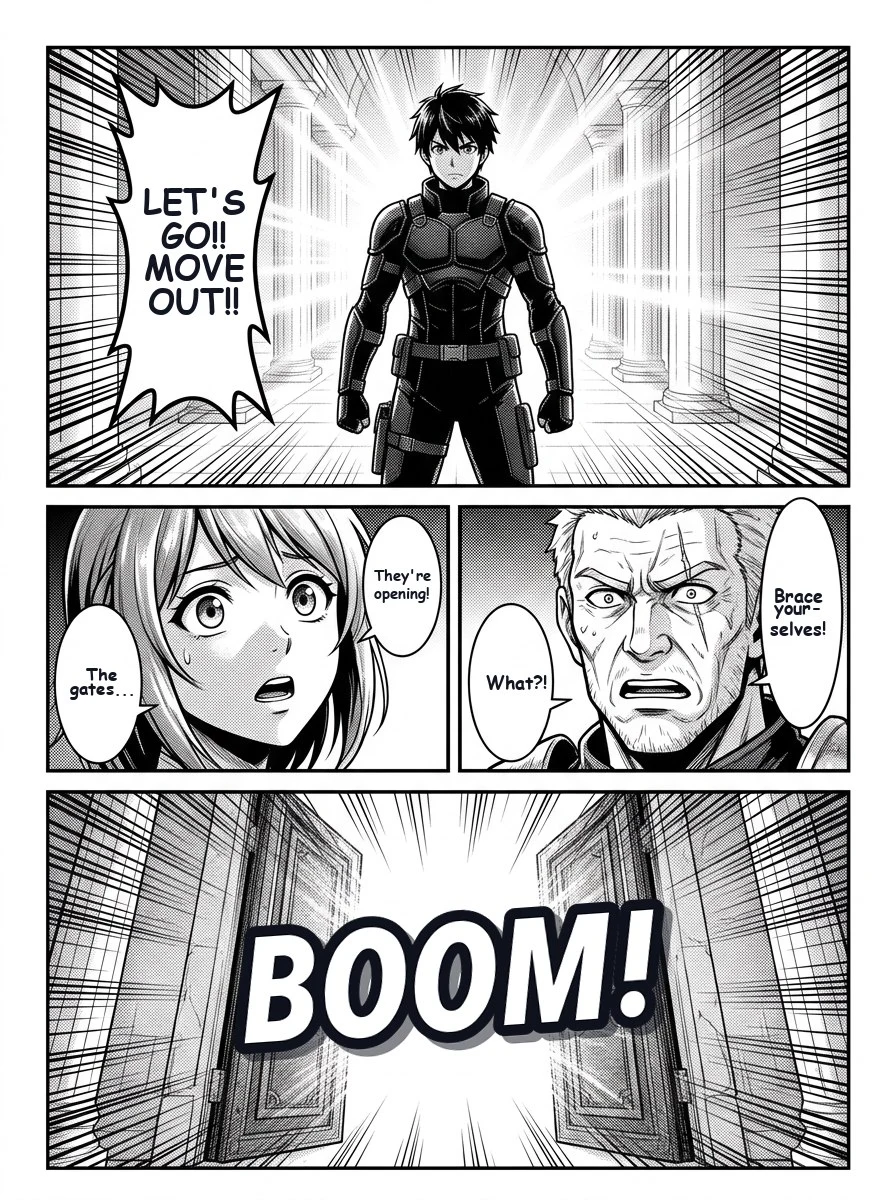
Bring your own collection
Import PDF, CBZ/ZIP, CBR/RAR and supported images from Files or Photos. The reader works with your own local copies.
A layout for every story
Choose page, scroll or spread mode, then set the reading direction. Adjust the reading tone, fit and brightness to suit the page.
Come back to the page
Imported files stay on your device. Saved translation images can be reused while cached; clearing the cache removes those saved translations.
GET COMFORTABLE
A few steps. A new chapter.
Import your files
Open Library and choose files or photos. Pick a supported, readable comic file.
Make it comfortable
Choose the reading mode, direction and page appearance that fit your comic.
Translate as needed
Set a language pair and translate the page, with the original always available for comparison.
Local reading and saved translations are different from generating a new translation. Cloud translation requires a connection. Encrypted, damaged or unsupported archives may not import.

YOUR NEXT CHAPTER
More story. Less getting lost.
A little help with the words. A lot more room for the story.