
IN-APP BROWSER
Stay in the story. Read in your language.
Open a comic website in Toonra, choose your languages, and translate the pages you can access. Dialogue is placed back into the artwork so you can keep following the story.
Read the setup guideA preview of Toonra for iOS
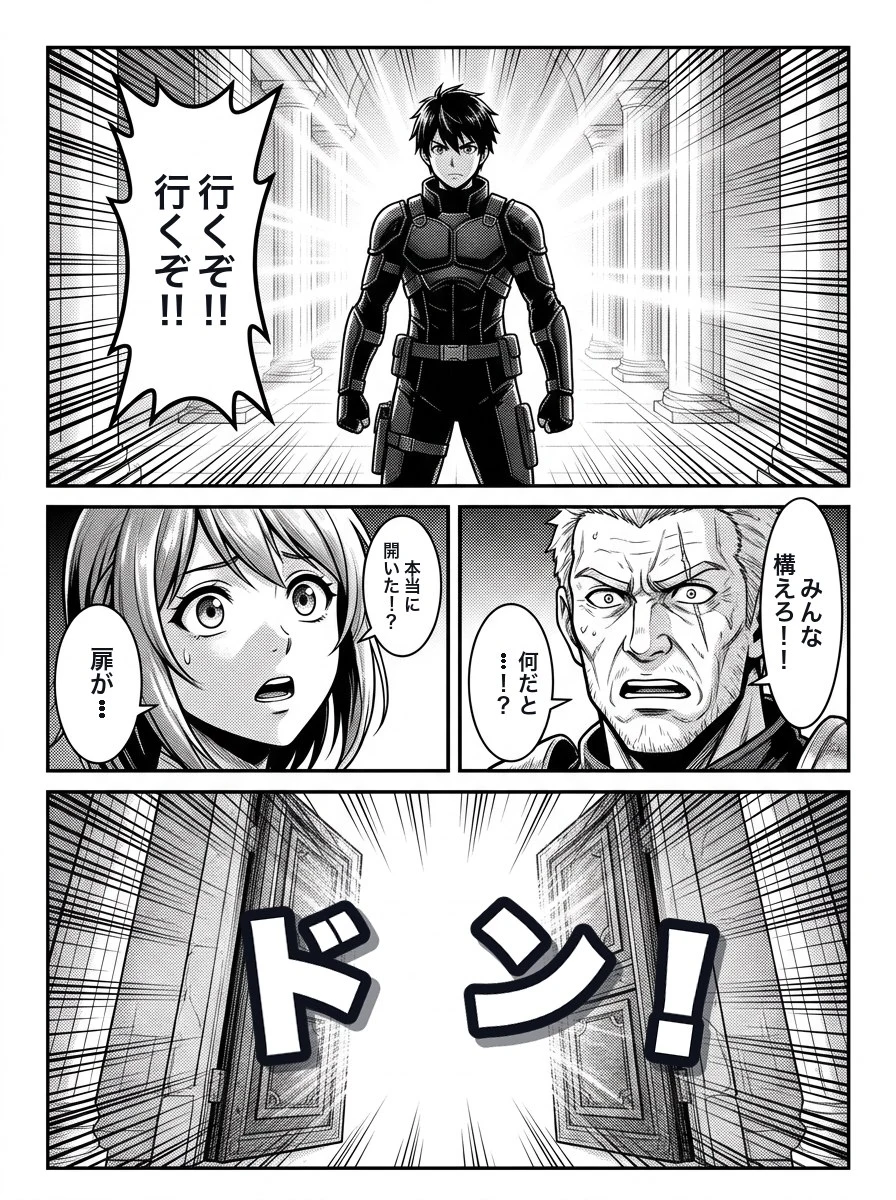
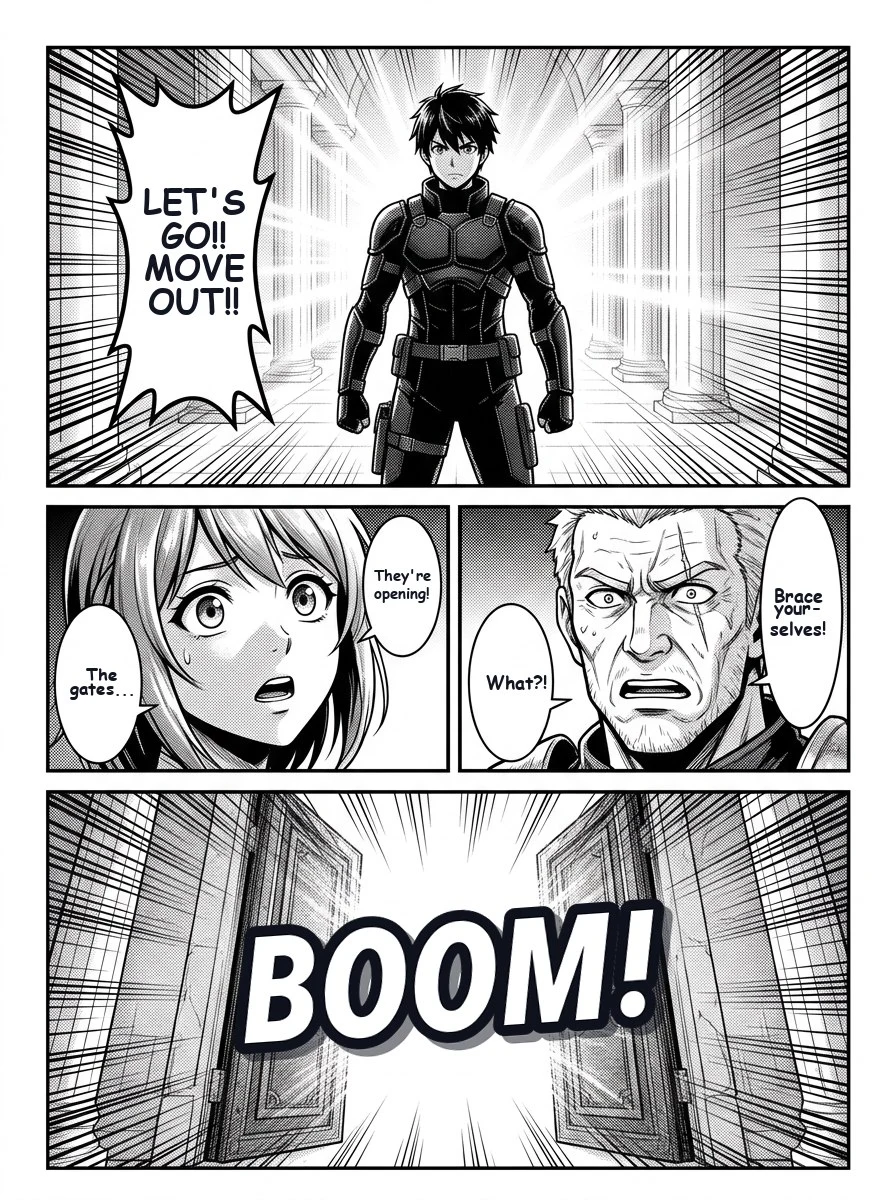
Words where they belong
Text recognition and translated overlays bring dialogue back into the page. Switch to the original whenever you want a closer look.
A familiar name, every chapter
Save character names and recurring terms to your series glossary. Cloud translation uses these locked translations to help keep names consistent.
Keep your reading rhythm
Turn on auto-translation for a site to translate newly encountered pages as you browse. You stay in control of which sites use it.
GET COMFORTABLE
A few steps. A new chapter.
Open your comic
Use the built-in browser to visit a website you have permission to read.
Choose your languages
Set the source and target language, then enable translation for the page.
Read and compare
Read the translated dialogue in place, or switch back to the original.
Cloud AI translation needs an internet connection. Site layouts, image access and text clarity can affect results. Toonra does not bypass access controls.

YOUR NEXT CHAPTER
More story. Less getting lost.
A little help with the words. A lot more room for the story.